
The Six6s app gives Pakistani players mobile access to casino games, sports betting, promotions, payments, and account management from smartphones and tablets. The Six6s bet app combines slots, live casino titles, sports markets, deposits, withdrawals, and customer support on one platform. We provide Android and iOS access, PKR payment options, account protection tools, and 24/7 assistance, allowing players to use the same registered account across supported devices in Pakistan.
Key Technical Specifications of the Six6s Application
The Six6s app download provides mobile software that combines casino games, sportsbook markets, payments, promotions, account management, and customer support within one application. Installation is free, while the package size and installation method depend on the operating system and device compatibility.
The main technical specifications are summarized below:
| Specification | Details |
|---|---|
| APK File Size | 102.4 MB for Android devices. |
| App Size | 182.8 MB for iOS devices. |
| Installation Cost | Free. |
| Supported Operating Systems | Android and iOS for downloadable apps; Windows and macOS access through current web browsers. |
| Languages | More than five languages. |
| Games Offered | Slots, crash games, table games, fishing, live casino, lottery, and sports betting. |
| Deposit Methods | Easypaisa, JazzCash, Local Bank, USDT TRC20, USDT ERC20, and BTC. |
| Withdrawal Methods | Easypaisa, USDT and JazzCash. |
| Technical Features | Biometric login support, mobile account management, notifications, and direct access to casino and sportsbook sections. |
Our application connects to the same registered player account used on the website. Balances, promotions, personal details, and verification status therefore remain synchronized when players switch between supported access methods.
Android devices use an APK file, while Apple devices follow the dedicated iOS installation route. Windows and macOS users access the full platform through a web browser instead of installing separate desktop software.
Mobile Bonuses and Promotional Offers
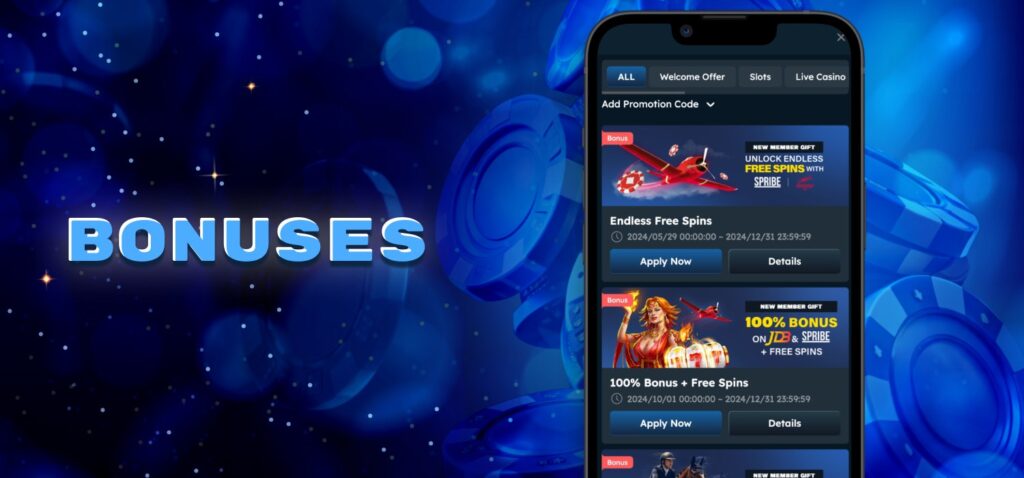
Our mobile promotions section brings casino and sports rewards into the same account interface used for gameplay and payments. Its functionality covers welcome offers, deposit matches, reload rewards, cashback, sports incentives, free-bonus campaigns, referral rewards, VIP benefits, and prize events.
More than 20 promotions are available through the app environment. Current Pakistan offers include an All Games Bonus of up to 200%, a Tiered Booster of up to 315%, a 100% All Games Bonus, a PKR 1,666 First Deposit Bonus, reload promotions, cashback rewards, sports incentives, free betting coupons, surprise gifts, and jackpot campaigns.
Each promotion has separate eligibility requirements, qualifying payments, wagering conditions, supported products, and validity periods. Players should check the Promotions section before depositing and select a campaign that corresponds to their intended casino games or sports activity.
Promotional funds remain subject to the conditions of the selected campaign. Required turnover, eligible games, validity periods, and withdrawal requirements continue to apply when a bonus is activated through the mobile service.
Security Standards and Fair Play Guarantees
Our security system protects account access, personal data, payments, and identity verification. Personal information is stored in an encrypted, password-protected database within a secured network protected by firewall software. Biometric login provides an additional access option on supported mobile devices.
Account verification uses separate one-time codes for phone numbers and email addresses. One-time codes sent by SMS and email remain valid for five minutes. Full Know Your Customer (KYC) verification requires a government-issued photo ID, a selfie of you holding the same document, and recent proof of residence. These checks connect withdrawals and sensitive account actions to the registered player identity.
Players must enter accurate registration information and keep passwords, OTP codes, and payment details private. Withdrawal information must correspond to the registered account. Repeated failed login attempts can lock account access and require recovery or customer support assistance. Responsible-play controls include spending limits, time limits, breaks, and self-exclusion. Fixed self-exclusion periods range from six months to five years.
Fair-play requirements apply to casino and sports betting activity. Duplicate accounts, account sharing, fund passing, and prohibited betting activity can result in account restrictions. These controls protect the integrity of gameplay, financial transactions, and registered player accounts.
Installing Six6s App on Android Devices
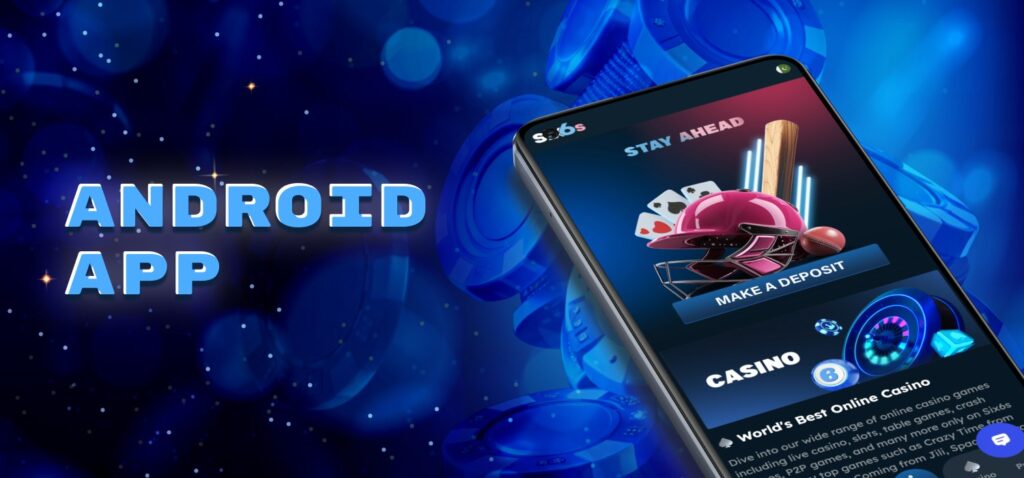
The Six6s app download for android uses an APK file obtained directly from our official website rather than Google Play. Before installation, Android must permit the browser or file source to install packages from outside the store. The following sections explain the initial Android app setup and the separate update procedure.
Step-by-Step APK Download and Installation Process
The Six6s app download apk process begins in the Android browser and finishes when the application icon appears on the device. The APK file is 102.4 MB, so users should check available storage before downloading it. Because installation takes place outside Google Play, Android must also permit the browser or file manager to install the downloaded package.
Follow these steps to download and install the application:
- Open Our Official Site. Launch a browser on the Android smartphone or tablet and open the Six6s website.
- Open The Main Menu. Find the navigation menu and select Download to access the application section.
- Start The Android Download. Choose the Android option and save the APK package to the device.
- Allow Installation. Enable permission to install unknown apps for the browser or file manager used to open the package.
- Open The Downloaded File. Go to the Downloads folder, select the APK, and start installation.
- Confirm The Setup. Follow the Android installation prompts and wait until the application icon appears.
- Sign In Or Register. Existing players enter their current account credentials, while new users complete registration.
After installation, the application provides access to our casino, sportsbook, cashier, promotions, and customer support. Existing account holders continue with the same profile and do not need to register another account.
Updating the Android Application to the Latest Version
The Six6s download for android uses an APK from our official website. When a new version is available, players can update the app by downloading the latest APK and installing it over the current version.
Follow these steps to update the Android app:
- Open Our Official Website. Use the browser on your Android phone or tablet.
- Go To The Download Section. Open the menu and select the Android download option.
- Download The Latest APK. Save the newest package to your device.
- Open The Downloaded File. Find the APK in browser downloads or the Downloads folder.
- Confirm The Update. Allow Android to install the new version over the current app.
- Reopen Six6s. Sign in with your existing username and password if required.
Updating the APK does not require a new account. Your balance, verification status, promotions, and account details stay linked to the same profile. If Android blocks the APK, allow app installation for the browser or file manager used to open the file.
Financial Transactions via the Mobile App
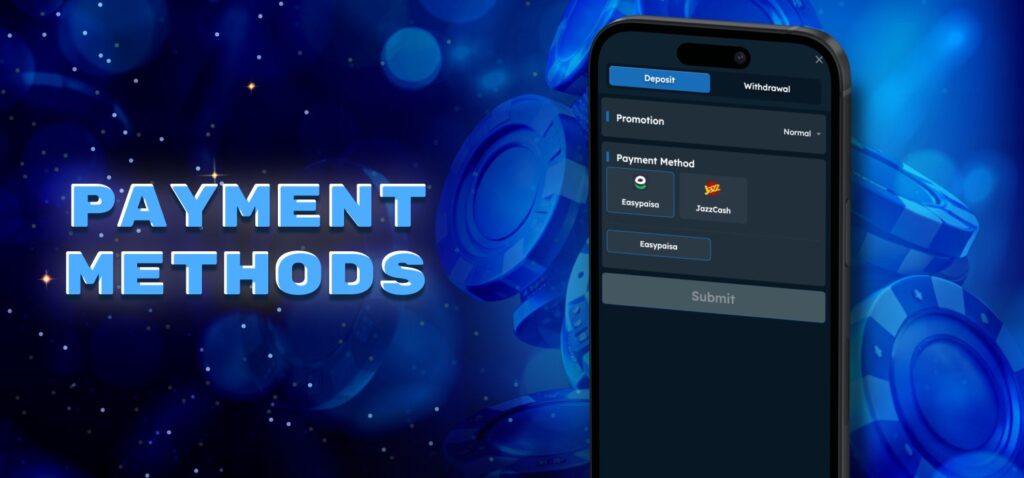
Players can make deposits and request withdrawals directly in the Six6s app. The payment interface is easy to use, and all transactions are linked to the same account used for casino games and sports betting.
For deposits in Pakistan, we support Easypaisa, JazzCash, Local Bank, USDT TRC20, USDT ERC20, and BTC. Withdrawals are available only through Easypaisa, USDT and JazzCash. Each payment method has its own limits and instructions. The sections below explain how to deposit and withdraw money through the app.
Making a Deposit in the App
A deposit can be made after Six6s app login. Easypaisa, JazzCash, and Local Bank accept deposits from PKR 300 to PKR 50,000. Deposit limits for USDT TRC20 and USDT ERC20 range from USDT 3.52 to USDT 3,519.51, while BTC deposit limits range from BTC 0.0001 to BTC 0.0476.
Follow these steps to add money to your account:
- Open Deposit. Sign in to your account and go to the Deposit section.
- Choose A Payment Method. Select Easypaisa, JazzCash, Local Bank, USDT TRC20, USDT ERC20, or BTC.
- Select A Channel. Choose the payment channel shown for the selected method.
- Enter The Amount. Make sure the amount is within the limits shown in the app.
- Follow The Payment Instructions. Send the payment using the details shown on the screen.
- Keep The Payment Record. Save the transaction reference until the money appears in your balance.
Withdrawing Funds from Your Account
Players in Pakistan can withdraw money through USDT, Easypaisa and JazzCash. Follow these steps to request a withdrawal:
- Open Withdrawal. Sign in to your account and go to the Withdrawal section.
- Complete Verification. Complete the required phone, email, date of birth, or KYC checks.
- Choose A Payment Method. Select USDT, Easypaisa or JazzCash.
- Enter Your Details. Use payment information that matches your registered account details.
- Enter The Amount. Type the amount you want to withdraw.
- Submit The Request. Check all details and confirm the withdrawal.
- Track The Status. Open Transaction Records to follow your request.
Bonus winnings must meet the wagering requirements of the selected promotion before withdrawal. Deposited funds are also subject to the required turnover rules.
Full KYC requires a valid ID, a selfie with the same document, and proof of residence. Players must use their own payment details when requesting a payout. After submitting the request, its current status can be checked in Transaction Records.
Downloading and Running Six6s on iOS
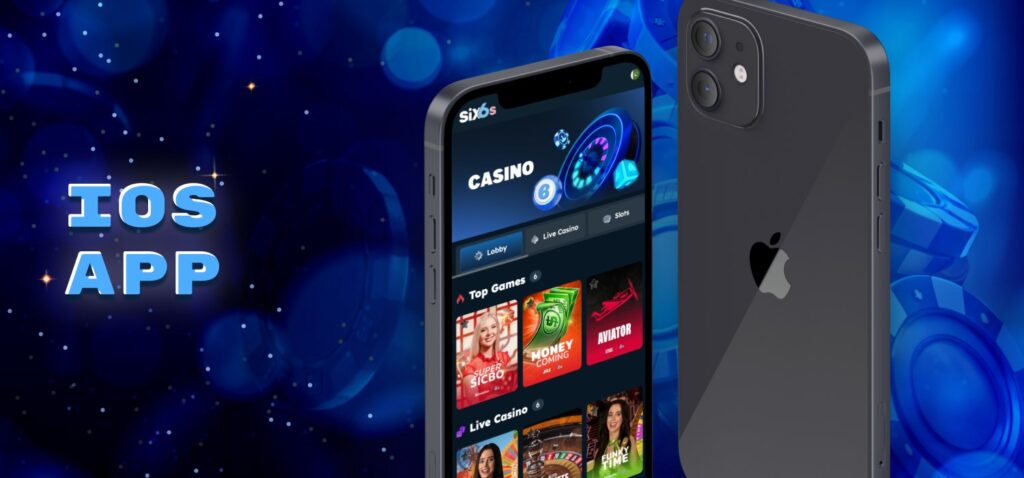
The Six6s app download iOS option is available through our official Download menu. The iOS version gives players access to the same account and main platform features. Use our official Download section to get the iOS app and check for new versions.
Installing the Application on Apple Devices
Apple devices do not use Android APK files. The iOS installation starts from our official website and uses a separate download option for iPhone and iPad. The file size is 182.8 MB, so check that your device has enough free storage before starting.
Follow these steps to install the app:
- Open Safari. Visit our official website on your iPhone or iPad.
- Open the Main Menu. Select the Download section.
- Choose the iOS Option. Start the download for Apple devices.
- Confirm the Download. Approve the download when the pop-up appears.
- Wait for Installation. Wait until installation is complete and the Six6s icon appears on your device.
- Open Six6s. Tap the installed icon and sign in to your existing account or register as a new player.
Keeping the iOS App Updated
Check our official Download section for the latest iOS version. Follow these four steps to update the app:
- Open Our Official Website. Launch Safari and open the Six6s website.
- Check the Latest Version. Go to the Download section and compare the available iOS version with the version installed on your device.
- Download the Update. If a newer version is available, select the iOS download option and confirm the download.
- Complete the Update. Install the downloaded version, reopen Six6s, and sign in if required.
Your balance, verification status, and account details remain linked to your existing account.
Accessing Six6s Casino on Desktop (Windows & Mac)
We do not provide a separate desktop app for Windows or macOS. Computer users can open our official website in a current browser and access casino games, sports betting, payments, promotions, and account settings without installing extra software. There is also no separate desktop app to update. The guides below explain how to access Six6s on Windows and macOS.
Windows PC Setup and Update Guide
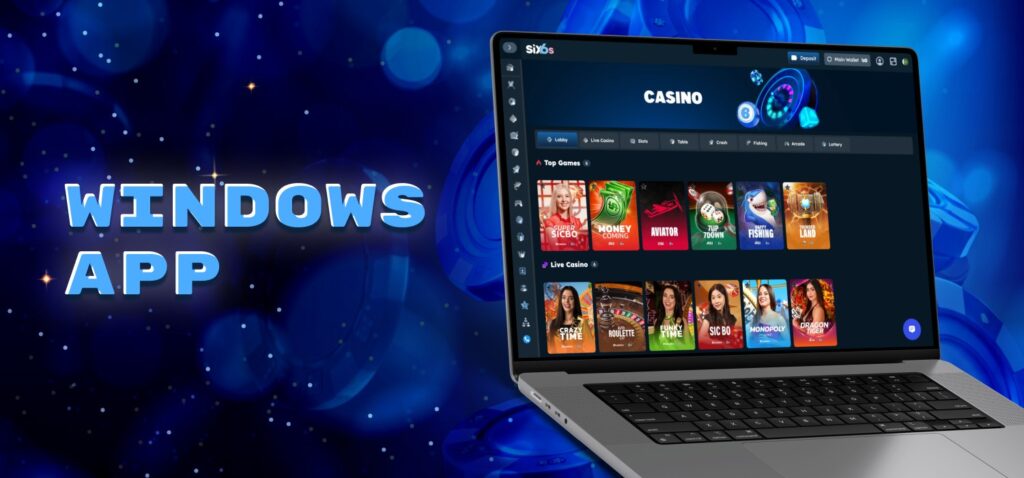
Windows users do not need to download or install a separate Six6s program. The platform works directly in a current desktop browser, so setup takes only a few steps.
Follow these steps to access Six6s on a Windows PC:
- Open A Current Browser. Launch your preferred browser on the computer.
- Visit Our Official Site. Open the Six6s website.
- Sign In. Enter your username and password, or register a new account.
- Open The Required Section. Go to the casino, sportsbook, Promotions, Profile, or payment section.
There is no separate Six6s desktop software to update. Keep your browser updated to use the current version of the platform.
macOS Setup and Update Guide
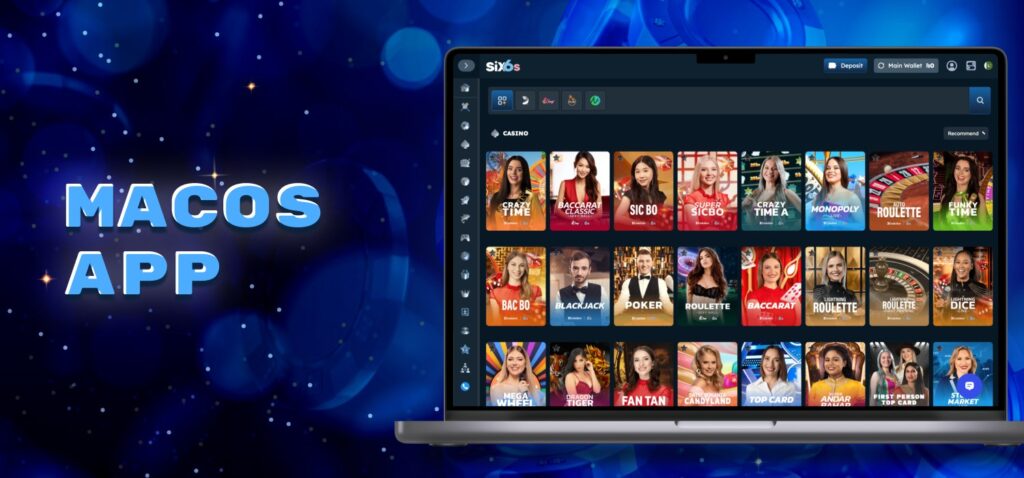
Mac users can access Six6s directly through a current web browser. There is no separate macOS program to download or install.
Follow these steps to use Six6s on a Mac:
- Open A Current Browser. Launch a browser on your Mac.
- Visit Our Official Site. Open the Six6s website.
- Sign In. Enter your registered username and password.
- Choose A Service. Open casino games, sports betting, promotions, payments, or account settings.
There is no separate Mac app to update. Opening our website loads the current online version of the platform, so manual Six6s software updates are not required.
Customer Support Service in the App
Our customer support team is available 24/7. Players can use live chat for direct help or contact us by email at [email protected]. The Help Center also provides answers and instructions for common questions.
Live chat is useful for problems with login, deposits, withdrawals, verification, bonuses, and the app. Email is better when players need to send a longer explanation, screenshots, or payment details. The Help Center covers account settings, payments, KYC, promotions, and responsible play.
For app problems, players should provide their registered username, device model, internet connection details, and a screenshot of the error. For payment problems, include the amount, date, wallet details, and transaction reference. This information helps our team check the issue. Players must never send their password or OTP codes to support. Account recovery and self-exclusion requests can also be handled through our support channels.
FAQ about Six6s App
-
Can I install the app on both Android and iPhone?
Yes. Android users install the APK from our official site, while Apple users use the dedicated iOS download route.
-
Where should I get the official app files?
Use Six6s download only through our official site and its Download section. This directs Android users to the current APK and Apple users to the dedicated iOS file while avoiding third-party packages that are not distributed by us.
-
Which payment methods are available in Pakistan?
Pakistani players can deposit through Easypaisa, JazzCash, Local Bank, USDT TRC20, USDT ERC20, and BTC. Current withdrawals are available through USDT, Easypaisa and JazzCash after the required verification and wagering conditions have been met.
-
Is customer support available around the clock?
Yes. Our support team operates 24/7 through live chat. Pakistan users can also contact [email protected] for account, payment, verification, promotion, responsible-play, and technical questions that require a written support record.
-
Is there a separate Six6s desktop app?
No. Windows and macOS users access our full service directly through a current web browser. There is no separate desktop application to install or update, and the browser loads the current online version when the site is opened.